[swift] GoogleMapの地図のスタイルをカスタマイズする
目次
GoogleMapの地図のスタイルをカスタマイズする
iOS用GoogleMapSDKの地図のスタイルをカスタマイズすることができる
方法としては下記サイトでカスタマイズしてできたJSONファイルをアプリに組み込み、JSONファイルを読み込む
JSONファイルの作成
下記サイトにアクセスする
Google Maps APIs Styling Wizard
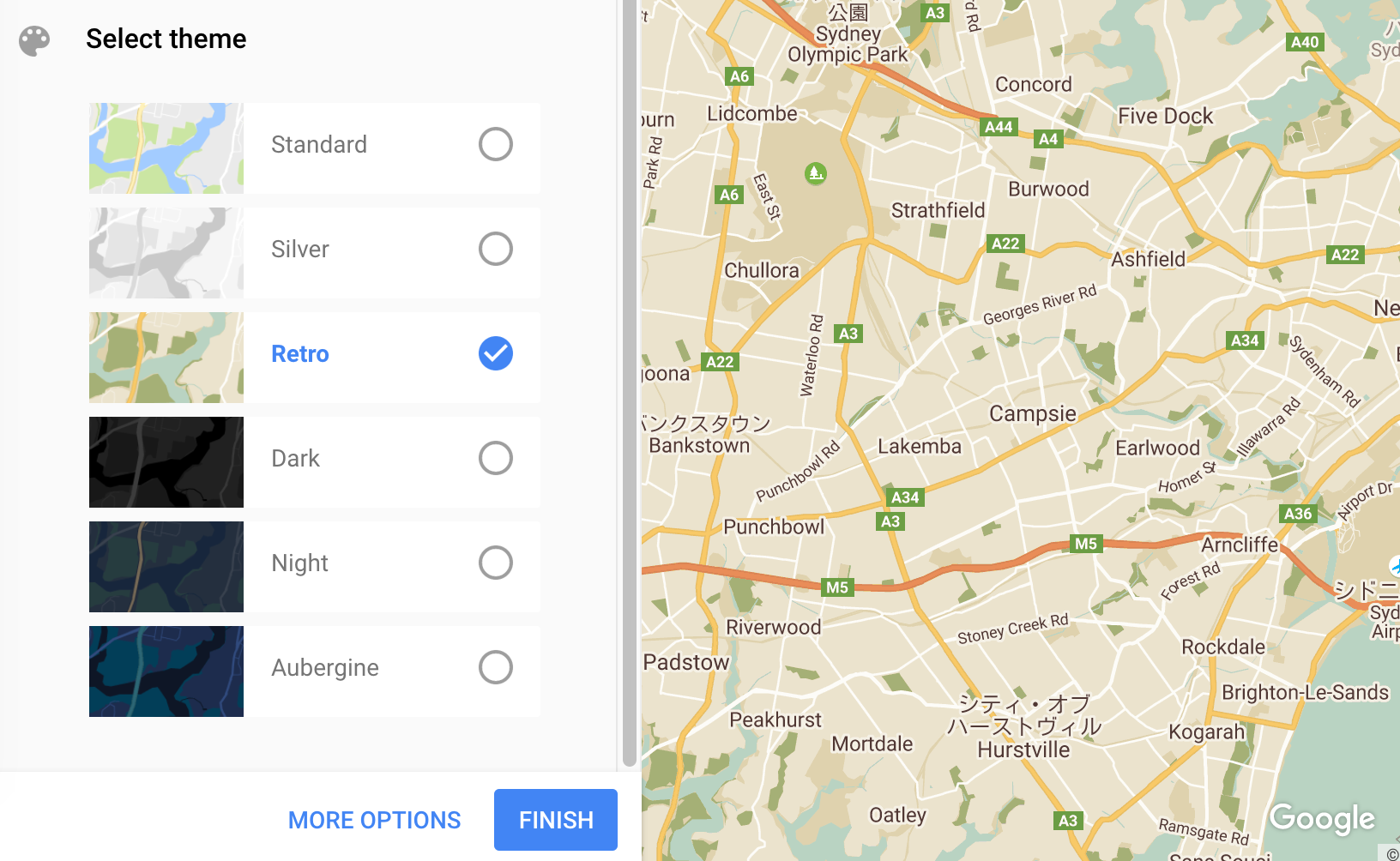
大まかなデザインや文字の有無などを指定してFINISH
JSONコードが作成されるのでコピー
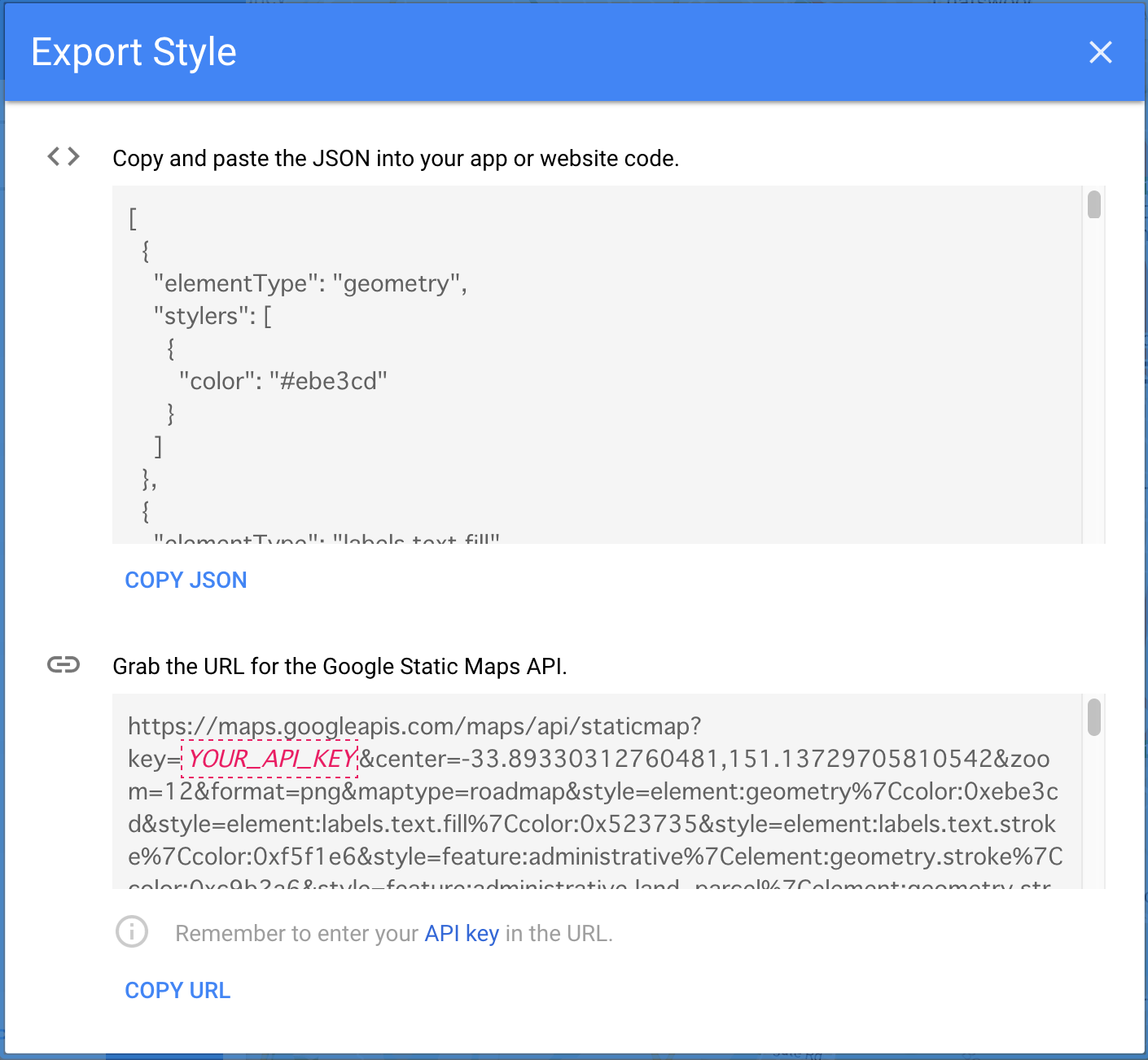
テキストエディタなどで先程コピーしたJSONコードを貼り付け
style.jsonというファイル名で保存
xcode実装
xcodeに先程のstyle.jsonをコピー
カスタマイズしたGoogleMAPを表示させたいViewControllerに以下のコードを追加
var latitude: CLLocationDegrees = 1.304843 //Singapore
var longitude: CLLocationDegrees = 103.831824 //Singapore

override func viewDidLoad() {
        super.viewDidLoad()

        let width = self.view.frame.maxX
        let height = self.view.frame.maxY
        let camera: GMSCameraPosition = GMSCameraPosition.cameraWithLatitude(latitude,longitude: longitude, zoom: 15) // カメラを生成.
        googleMap = GMSMapView(frame: CGRectMake(0, 0, width, height)) // MapViewを生成.
        googleMap.mapType = kGMSTypeNormal //MAPtype標準
        googleMap.delegate = self
        googleMap.camera = camera // MapViewにカメラを追加.

        //JSONファイルを読み込み
        do {
            let styleURL = NSURL(fileURLWithPath: NSBundle.mainBundle().pathForResource("style", ofType: "json")!)
            googleMap.mapStyle = try GMSMapStyle(contentsOfFileURL: styleURL)
        } catch {
            NSLog("One or more of the map styles failed to load. \(error)")
        }
        self.view.addSubview(googleMap)//viewにMapViewを追加
        self.view.sendSubviewToBack(googleMap) //MAPを最後面に
}
注意事項:
GMSMapStyleはGoogle MAPSライブラリ2.1.0以上でないとunresolveエラーになるため、バージョンを確認し低ければUpdateすること